A couple weeks ago I had my transponder check done. I’ve been flying outside the Mode C veil here in the Bay Area, and have had my transponder disabled until I could get it checked.
Originally I had scheduled my transponder check for when Precision Static would be at my airport, which they told me would be in the. middle of March. But my hangar neighbor told me they were going to be up at Byron (C83) airport to do a bunch of transponder checks on the soaring club’s gliders at the end of February, and that I could get a small discount if I flew up to them do the check. So I made my way up there and did some testing along the way.

I waited for my turn, and when they started the test, there was very little power output, like less than 1 watt…So instead of trying to debug on the ramp, I coordinated with Precision Static to redo the check on the original date in March, which would give me enough time to investigate and hopefully fix whatever issue there was.
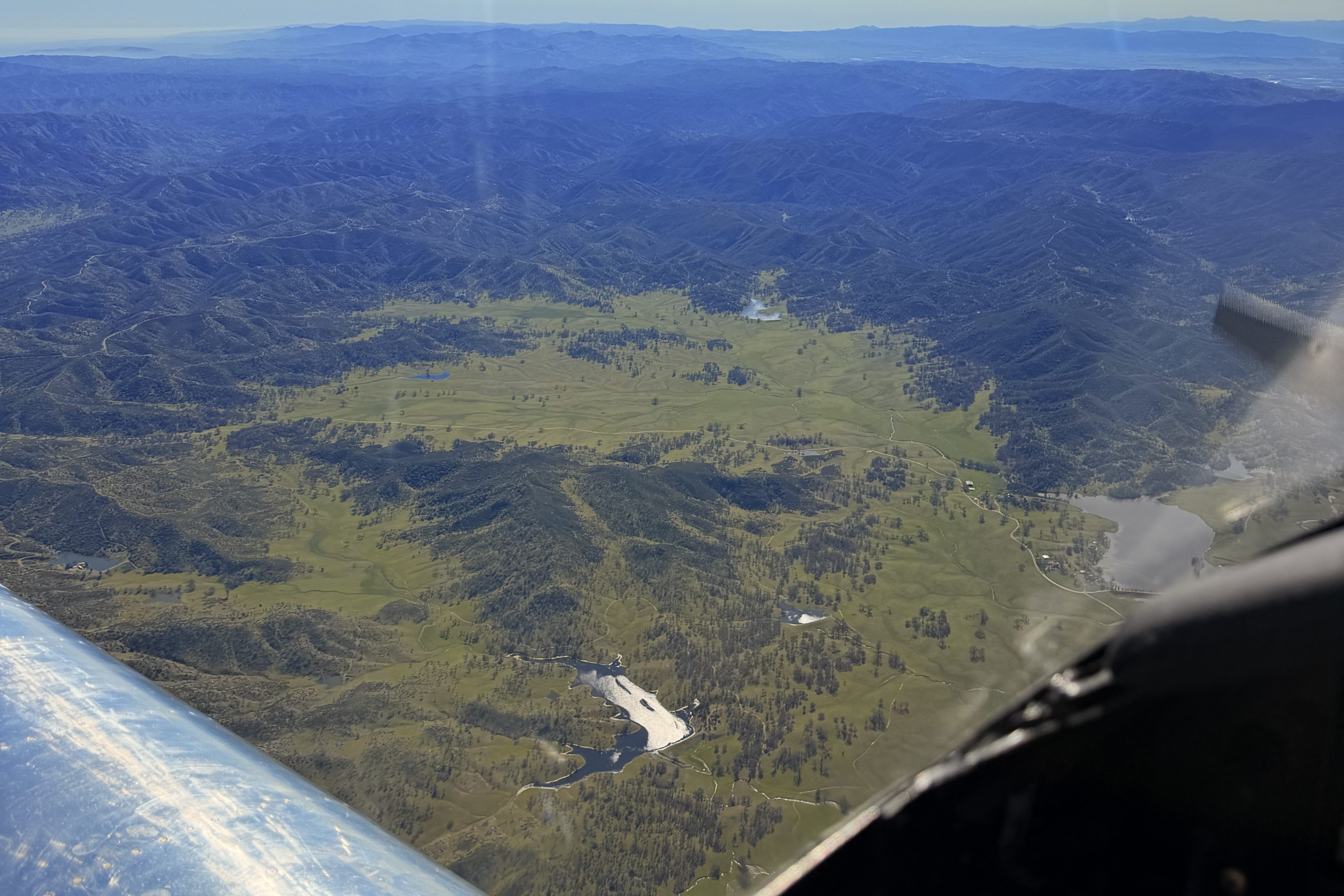
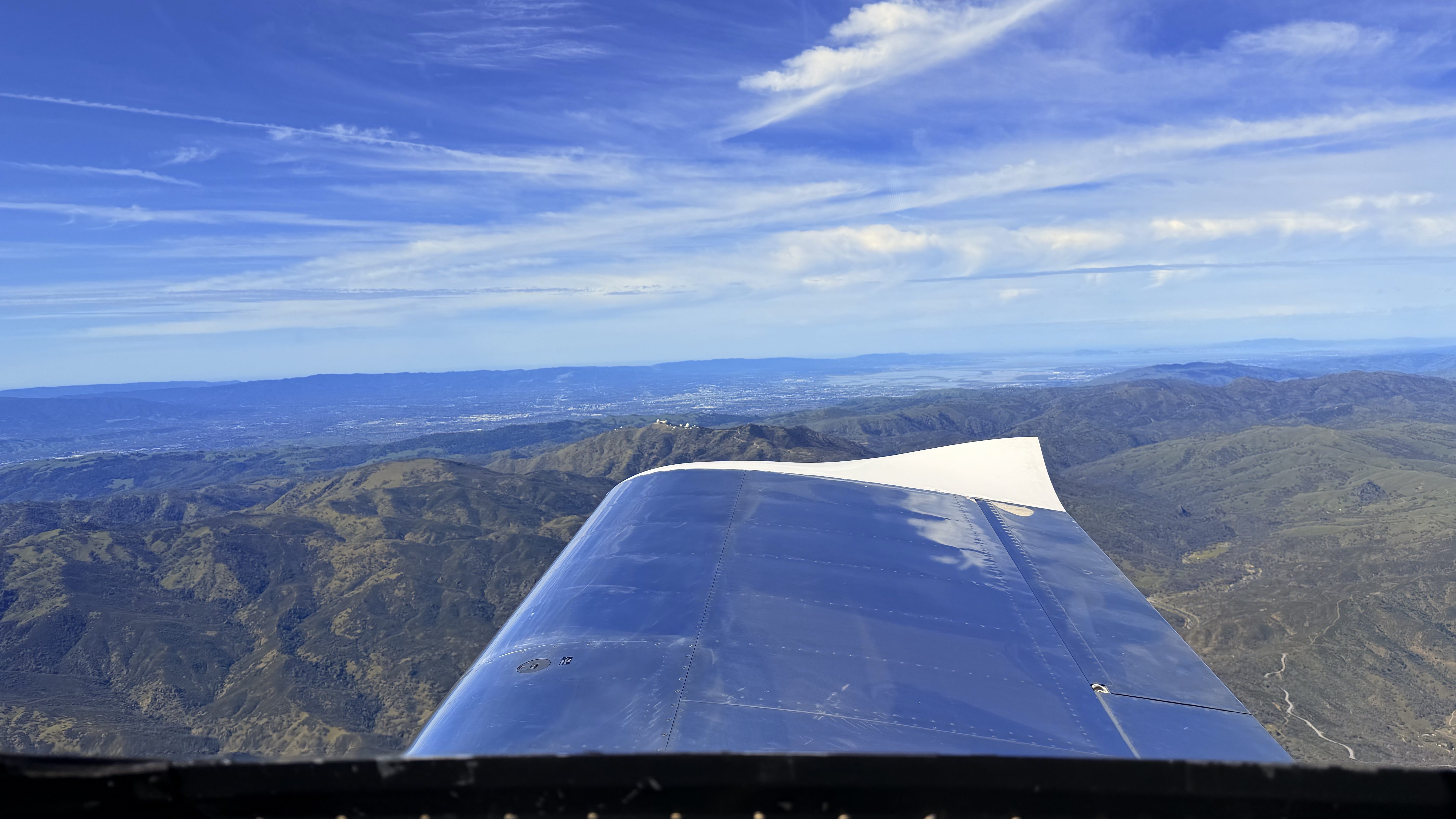
I flew back to San Martin Airport a bit bummed, but also enjoyed some incredible flying as usual
I spent a few days working on the plane to try and investigate and fix the issue.
The transponder is located behind the baggage bulkhead, and the antenna is below the passenger seat. So I removed all the panels, carpet, floor, and bulkhead so I could take a look at the antenna cable (the most likely culprit). The first thing I did was look at the TNC connector on the transponder, and made sure that it was properly attached and seated. I decided to replace the connector entirely because it didn’t seem crimped correctly. It was one of the first cables I made during the build, and I just didn’t trust myself, so changing the connector out was the safest option.
I did the same thing on the antenna side, but before I removed the connector I decided to power up the avionics and check if the TNC connector fixed the issue. On the Dynon Transponder menu page, there is a diagnostic that is available that shows warnings within the transponder. There was a warning displayed: TX_POWER_LOW(130).
The Dynon installation manual says this warning shows up when the transponder detects a power transmission issue, and some online research showed that it is likely due to a cable or antenna issue. I power cycled the transponder a few times, and the warning showed up each time with a slightly different value displayed.
I powered it off, removed the BNC connector into the antenna, and visually inspected it. I immediately noticed that the center pin seemed to be recessed a few mm. I poked it with my finger, and the whole pin pushed straight through the connector! Well that seems like an issue…
I cut the connector off, stripped the cable, and crimped on a new connector, ensuring a positive “click” when pushing the center pin into the connector. I plugged it back into the antenna, powered up the transponder, and…no warnings. I power cycled the transponder a few more times, and no warnings showed up.
One last check to verify that I had fixed the issue, was going to ADSB Exchange, and in real time, visually seeing my airplane inside my (open) hangar, in ground mode. I had never seen that before any other time I had powered up the plane.
I’m fairly confident I fixed the issue, but I will confirm it with the official check by Precision Static in a couple days.

 RV-7 N890GF
Leave a comment